
Riven Systems
New updatesLatest release notes
← Products

Interface & HUD

Riven Advanced Zoom

An Arma-style focus and zoom camera for FiveM, with adjustable magnification on foot and in vehicles.

Version 2.1.0

Riven Advanced Zoom

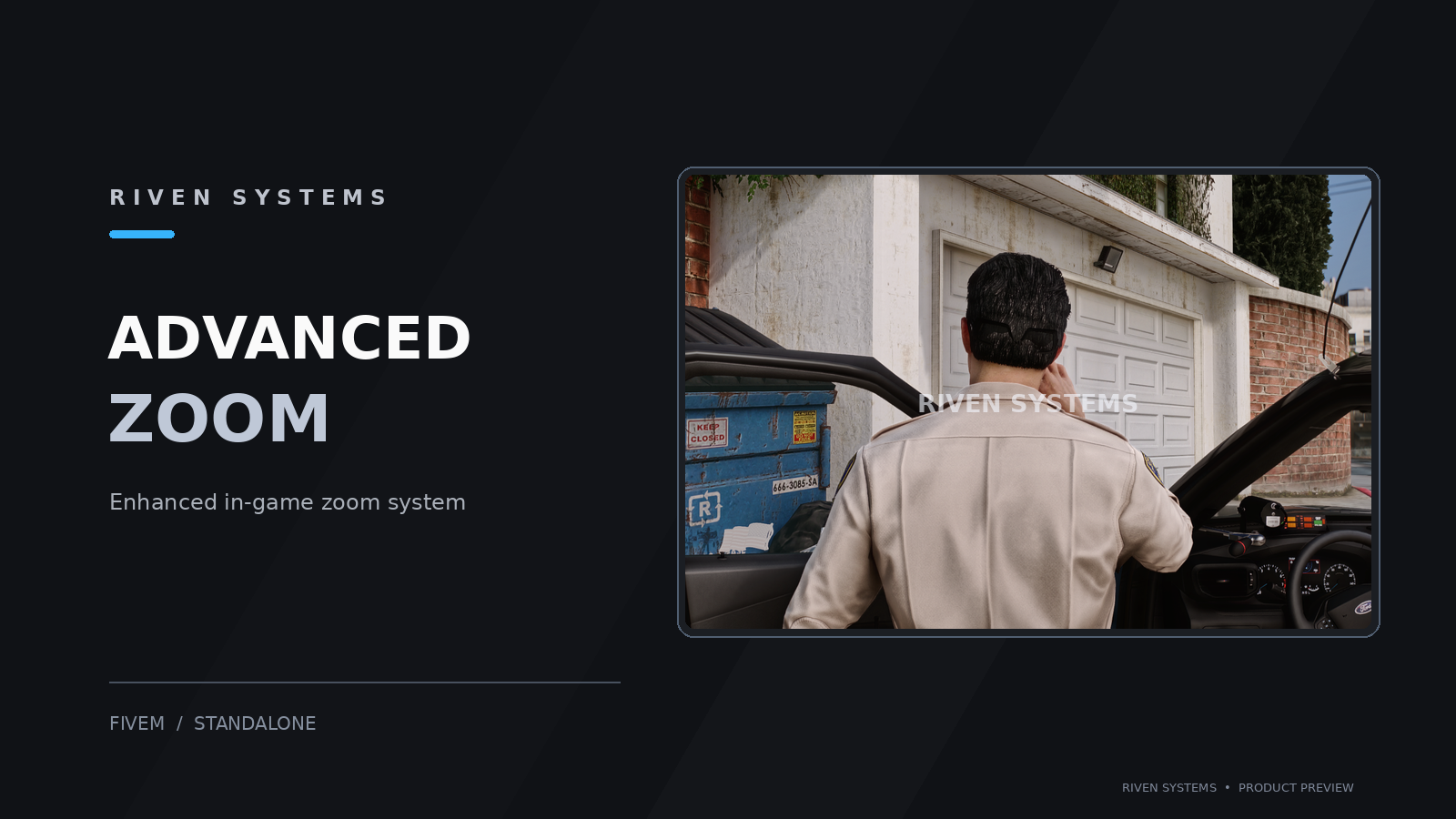
Riven Advanced Zoom in-game

1 / 1

Overview

Riven Advanced Zoom runs entirely client-side and supports standalone and vMenu setups.

It temporarily renders a scripted camera while focusing, then restores the normal gameplay camera on release. Configuration is supplied in config.lua.

Verified Features

Adjustable focus
Hold Z by default and use the mouse wheel to adjust magnification. Optional toggle mode is available.
On-foot and vehicle cameras
First- and third-person on-foot tracking, vehicle interior focus, and third-person vehicle follow.
Camera restoration
Restores the normal camera on release and handles interruptions including pause, death, vehicle changes, and resource shutdown.
Configurable controls
Player-specific key mappings, optional magnification readout, and camera reset and recalibration commands.

Compatibility

  • — GTA V / FiveM; standalone and vMenu setups
  • — Client-side only; no ESX, QBCore, server script, NUI, or SQL required
  • — Remove old riven_advanced_zoom or arma_zoom copies before installing
  • — Other camera resources may conflict; real-game compatibility must be tested on your server

Installation guides are available in the documentation.

Changelog

Released
v2.1.0

Advanced Zoom

Free releaseNew features
  • Arma-style focus camera with adjustable magnification on foot and in vehicles.
  • Hold Z and use the mouse wheel to adjust focus; optional toggle mode and configurable controls are included.

Current download. riven_advanced_zoom_v2_1_0.zip through the customer portal. Saved Discord identity required; no purchase or license key required. In-game behavior has not been tested here.

Download

Free download. Sign in and save your Discord ID and name first. No purchase, approval, or license key is required.

Use is subject to the License Agreement. Need help? Visit Support.

Download free